
How to Roleplay in Second Life
The Complete Beginner’s Guide to Text-Based RP and Virtual Immersion
Learning how to roleplay in Second Life is the key to unlocking immersive, text-based storytelling. When you teleport into a dedicated roleplay sim, you step into a living world built entirely for collaborative writing. You become an active participant in an ongoing narrative, dictating your avatar’s actions, words, and daily choices. You might plan to take part in the gritty political landscape of ancient Rome at Venusia Magna, or you might explore fantasy genres across the grid. Understanding Second Life roleplay requires understanding a few core mechanics.
This comprehensive beginner’s guide will teach you exactly how to build a believable character, format your physical actions in local chat, and interact with other writers naturally. By following these foundational rules, you can bypass the learning curve and start contributing to the story immediately.
1. The Vocabulary of Roleplay
Before you type your first action, you need to understand the basic shorthand. Players use specific terms to describe how and where they communicate in the virtual world.
- SL, RL, and RP: Second Life, Real Life, and Roleplay.
- Sim (Region): Short for simulated environment. This is the physical server space you are standing on. Venusia Magna is a sim.
- Meters: The standard unit of measurement in Second Life. Distance dictates who can hear you type.
- Local Chat (Open Chat): The main window where roleplay happens. Anything typed normally here is visible to avatars within a 20 meter radius. Whispering reduces this range to 5 meters. Shouting extends it to 100 meters.
- IM (Instant Message): Private, one on one communication. In roleplay communities, IMs are almost exclusively used for Out of Character chat.
- Group Chat: A channel broadcast to everyone in a specific Second Life group. Use this carefully. Most communities restrict group chat to asking for technical help or looking for roleplay partners.
2. The Golden Rule: IC vs. OOC
Understanding the strict separation between In Character (IC) and Out of Character (OOC) is the foundation of all text-based roleplay. If you do not grasp this concept, you will struggle to fit into any community. We enforce this heavily in our general roleplay rules.
In Character (IC)
In Character refers strictly to your avatar. It covers the words your character speaks, the actions they take, and the beliefs they hold within the fictional world. When you are IC, you only know what your character has personally seen, heard, or experienced in the game. Your character does not know they are in a video game, and they do not know the real-life people behind the other avatars.
Out of Character (OOC)
Out of Character refers to you, the typist sitting behind the keyboard. Players use OOC communication to discuss rules, ask for technical help, coordinate scenes, or say hello. In Second Life, you indicate you are speaking OOC by wrapping your text in double parentheses.
Example of an OOC message in local chat:
(( Hey everyone, I need to go grab dinner. I will be back in 30 minutes. ))
3. Maintaining Immersion

Immersion is the holy grail of Second Life roleplay. It is the collective agreement among players to maintain the illusion that the fictional world is real. When you learn how to roleplay in Second Life, your primary job is to protect that bubble for yourself and others.
Dress the Part
Your visual appearance is the first thing people notice. If you are roleplaying in a historical setting, leave your modern sneakers and smartphones in your inventory. Find period-accurate mesh clothing. A wealthy character should wear clean, expensive fabrics. A working-class citizen should look rougher and more worn. Breaking visual immersion makes it difficult for other players to take your character seriously.
Keep the Chat Clean
Nothing breaks immersion faster than people talking about real-life politics, computer lag, or their work day in the middle of a roleplay scene. Keep local chat focused entirely on the story. If you must share something out of character, use Instant Messages (IMs) or group chat to keep the main screen clear for the roleplayers.
4. How to Write and Format Your Actions
Second Life uses local chat for roleplay. Anything you type normally into the chat bar is assumed to be spoken aloud by your character. To describe physical actions, you need to use the emote command.
Using the /me Command
Typing “/me” at the start of your message removes the standard colon after your name and allows you to write a descriptive sentence. Always put your character’s spoken words inside quotation marks to separate them from the physical action.
Typing this:
/me leans against the wooden counter and crosses his arms. “I need a drink before I head down to the docks.”
Looks like this in chat:
Marcus Flavius leans against the wooden counter and crosses his arms. “I need a drink before I head down to the docks.”
Thoughts vs. Actions
A common mistake new players make is writing long paragraphs about what their character is thinking. Other characters cannot read minds. If you want another player to react to your character’s mood, you have to show it physically through their senses. Avoid writing internal monologues.
Poor Formatting (Internal):
/me thinks about how much he hates the guards and remembers the time he was arrested last week.
Proper Formatting (Sensory):
/me glares at the passing guards, his jaw clenching tightly as his hand drifts toward the hilt of his dagger.
5. The Two Unforgivable Sins of Roleplay
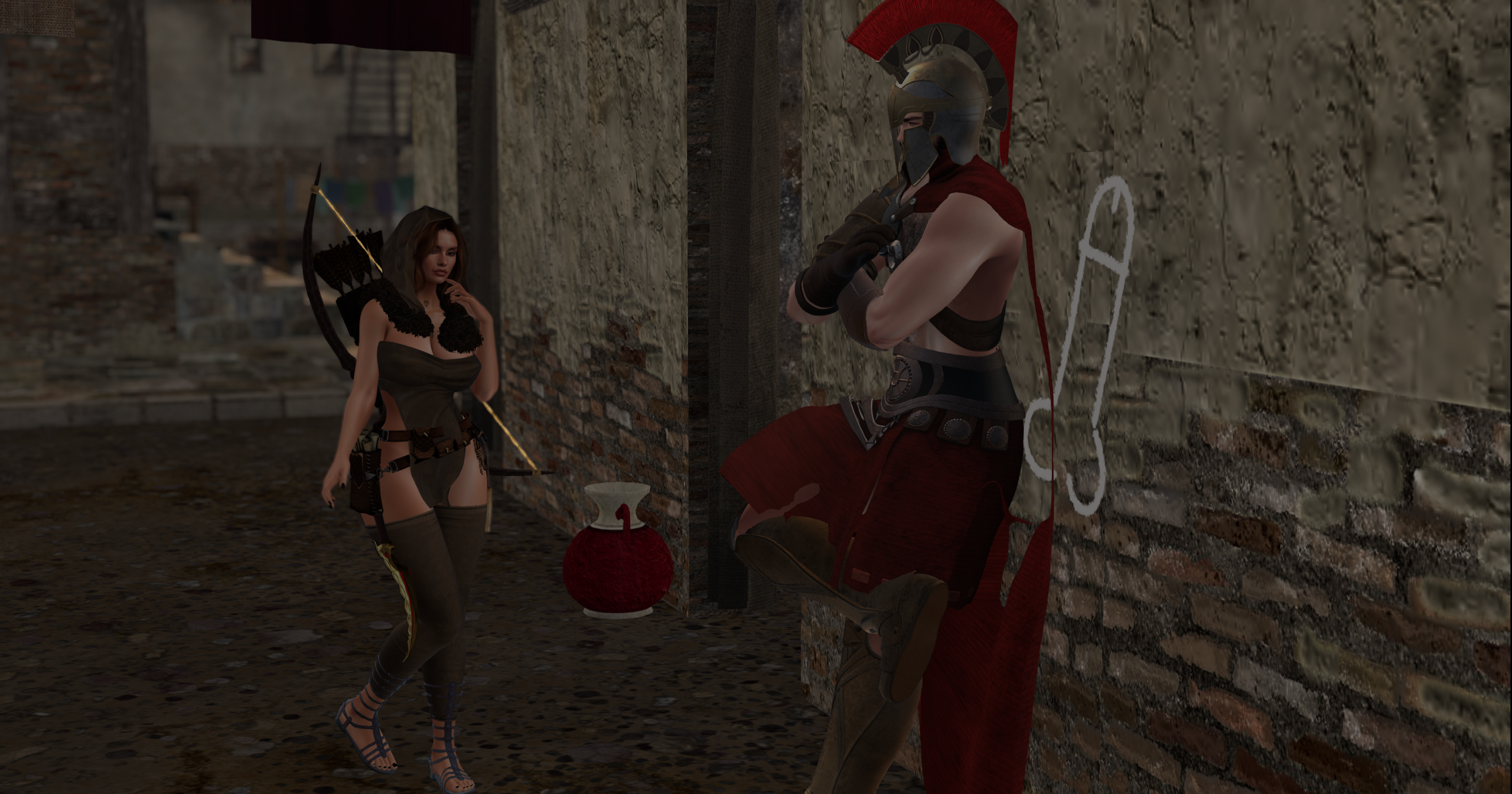
Second Life communities enforce strict rules regarding fairness. Roleplay is a shared experience. You control your character, and the other person controls theirs. Violating this boundary ruins the game for everyone.
Metagaming
Metagaming is using OOC information to influence your IC actions. The most common form of metagaming in Second Life is reading a floating name tag above someone’s head and using their name before they actually introduce themselves in the story. Another example is reading someone’s profile to learn they are secretly an assassin, and then having your character act suspicious around them for no logical reason. Play dumb. Your character only knows what they see.
Godmoding (Auto-hitting)
Godmoding means forcing an outcome on another player without giving them a chance to react. You can only describe the attempt of an action, never the result. You must leave the outcome open so the other player can write their defense or reaction.
Godmoding (Do not do this):
/me draws his sword and stabs the thief in the chest, dropping him to the floor.
Proper Roleplay (Do this):
/me draws his sword and lunges forward, aiming a heavy thrust directly at the thief’s chest.
6. Conflict Resolution and Boundaries
Roleplay requires two people to agree on a shared narrative. Sometimes wires get crossed. Accidental metagaming happens. Limits are tested. Knowing how to handle these situations gracefully keeps the game fun and keeps you out of unnecessary administrative drama.
Give the Benefit of the Doubt
If someone uses your name before you introduce yourself, do not immediately accuse them of cheating in local chat. Nine times out of ten, it is a genuine mistake by a new player trying to keep up with the scene. The best approach is to write a non-confrontational IC response.
Example: “I am sorry, you have the advantage of me. Have we met before?” This gives the other player a polite way to realize their mistake and correct it.
Fade to Black
All roleplay is consensual. You are never forced to play out a scene that makes you uncomfortable Out of Character. If a scene crosses a personal boundary, simply type (( Fade to Black )) or (( FTB )) into local chat. This acts as a cinematic cutaway. The scene ends immediately, and both players move on without argument.
7. Mechanics, HUDs, and Getting Started
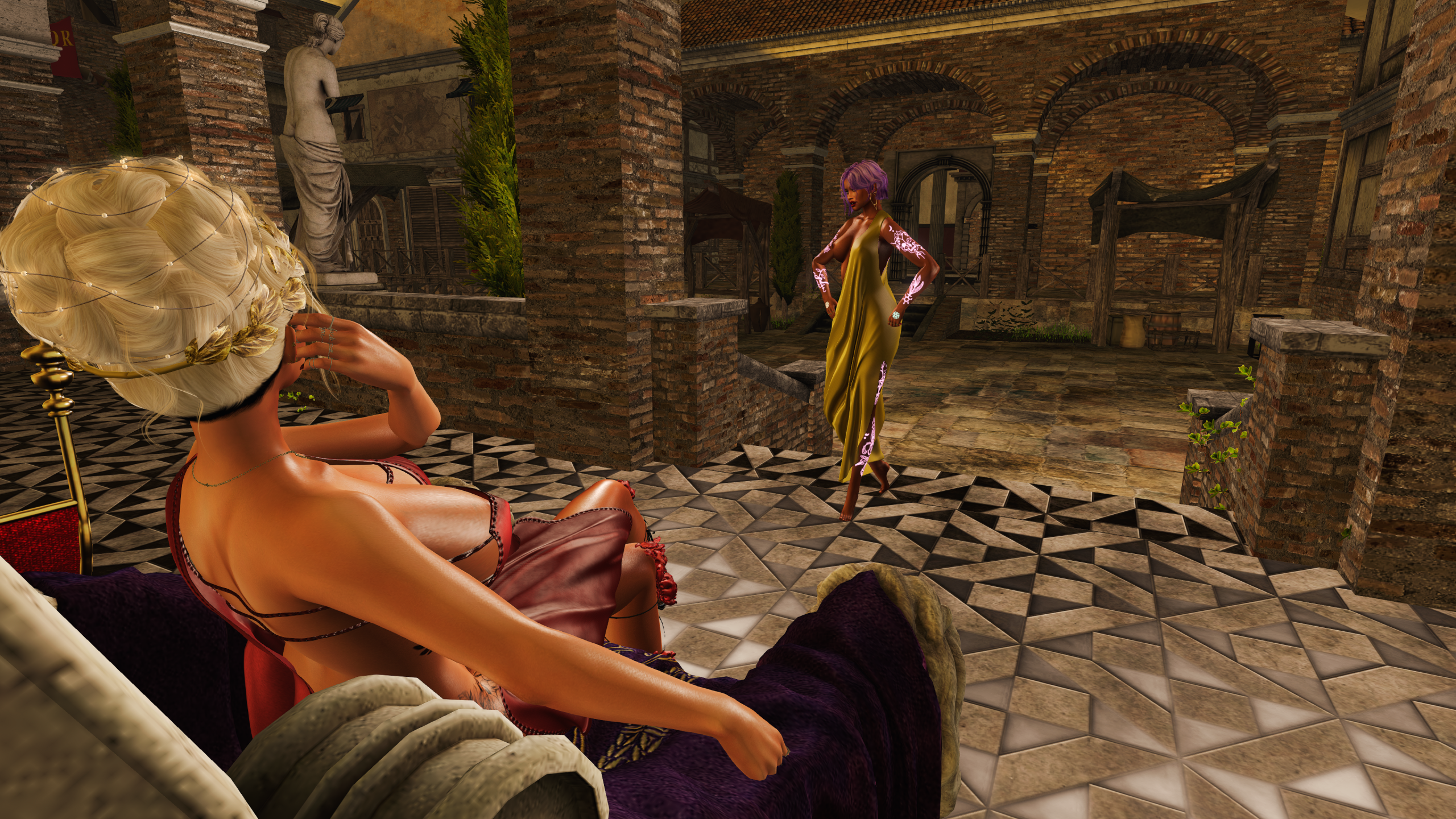
When you join a heavily scripted sim, you have to manage both your writing and your game mechanics. Modern roleplay sims use Heads Up Displays (HUDs) to track your stats. In Venusia Magna, our systems track your health, your hunger, your inventory, and your coin.
- Read the HUD Guide: Before you approach another player, understand how to attach your tools. You can review our HUD mechanics guide to see exactly how to manage your health and inventory.
- Find a Reason to be There: Do not just stand in the town square waiting for someone to talk to you. Review our City Charter to understand the jobs available. Go to the docks and haul grain. Go to the tavern and order a drink. Give other players a reason to interact with you based on the actions you are taking.
- Accept the Consequences: A flawless character halts story progression. Let your character lose fights, get robbed, and struggle with the economy. The best stories come from overcoming failure.
Exploring the Grid
Second Life has an incredible variety of communities. We focus on the gritty realism of ancient Rome. You might also enjoy fantasy, sci-fi, or modern settings. Once you understand the basics of how to roleplay in Second Life, you can apply these skills anywhere. To see what else is out there, you can browse the We Love Roleplays SIM Directory to find active communities across the grid.
Begin Your Journey in Rome
Venusia Magna is an immersive, historically inspired Roman roleplay sim. Join our community to experience rich storytelling, realistic economy mechanics, and a dedicated player base. Read our guidelines and submit your application form to get started today.
Submit Your Application Visit the Homepage